A tiny online project still needs a safe account-access arrangement
A client can request a simple update while granting far more account access than the task needs. Agree on an appropriate supported route before beginning. Small project size does not remove the need to protect credentials, limit permissions and end access clearly when the authorized work is finished.
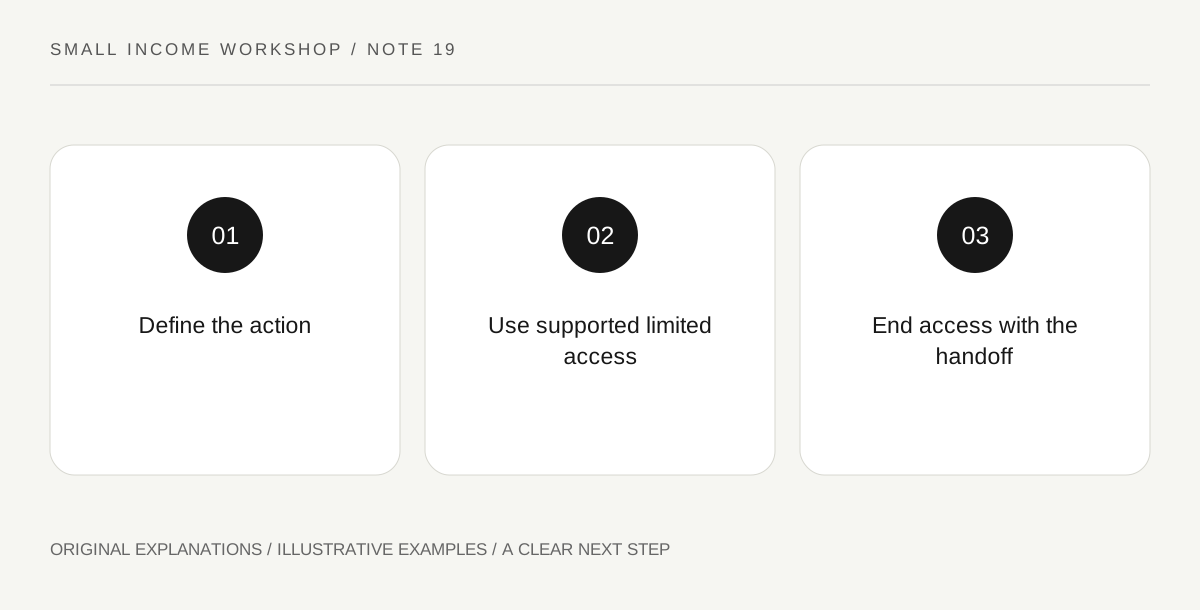
Original explanatory diagram. Read the full method and limitations below.
Name the exact action and environment
Write what needs changing and in which service. A task to edit a public description is different from managing billing or exporting customer records. FTC cybersecurity resources apply to small businesses as well as larger organizations. Identify the supported collaboration or role mechanism the service offers. Do not assume that receiving the owner's main password is the only way to help, or that broad administrator access is harmless because the task takes only a few minutes.
Use appropriate authorized permissions
Ask for a role that fits the agreed task through the service's supported process. Keep multi-factor authentication and security controls intact rather than bypassing them for convenience. Do not use another person's recovery codes or share credentials in an ordinary project document. If the platform lacks a suitable route, discuss a different workflow, such as having the owner apply an approved prepared change. A difficult access step is a reason to reconsider the method, not weaken the account.
Separate work records from private content
Keep only the evidence necessary to explain the authorized change. Avoid downloading unrelated messages, customer lists or payment information. A screenshot can contain more personal data than the visible edit requires, so review what is shared. If a suspicious message or security event appears, pause and use the owner's appropriate support process. Do not investigate beyond the authorized task or claim that completing one edit constitutes a full security review of the account.
End access as part of completion
Agree who removes the temporary role and how completion is confirmed. Retain appropriate project notes while handling working copies according to the arrangement. Do not keep access indefinitely because another small request might arrive later. A future task can have its own authorization and access review. The experiment's cost and time should include this handoff, because a safe finish is part of delivering the work rather than unpaid housekeeping to ignore in the estimate.
Illustrative worked example
Illustrative scenario: a fictional client asks for a single website description change and offers a shared owner login. The worker instead uses an available supported limited role, makes only the authorized edit and records the relevant result without unrelated customer data. The owner removes the role at closeout. No actual account access or security audit is claimed in the example.
Questions that come up
Is sharing a password acceptable because the task is small?
Use the service's appropriate supported access route instead. Project size does not make unnecessary credential exposure a sound workflow.
Can I retain access for possible future work?
Keep access only as authorized and appropriate. A future task should receive its own clear scope and access arrangement.
References and scope
These sources support the factual background. Examples and exercises are original illustrative teaching material. References do not imply endorsement.
- FTC: Cybersecurity for Small Business — Small operations still need appropriate account, device and customer-data protection.